First project
- Install the IDE plugin first → Install IDE plugin
- Video → Create a project & overview
1. Create a project
- EasyClick uses a multi-module layout
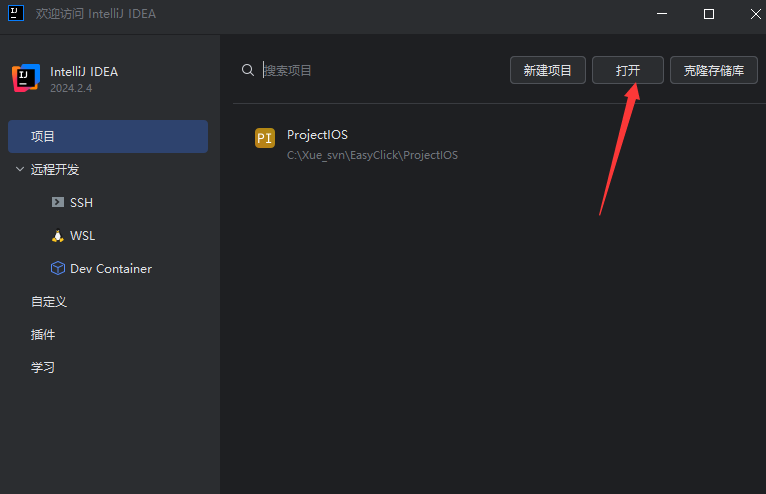
- Create and open an empty folder, e.g.
ProjectIOS
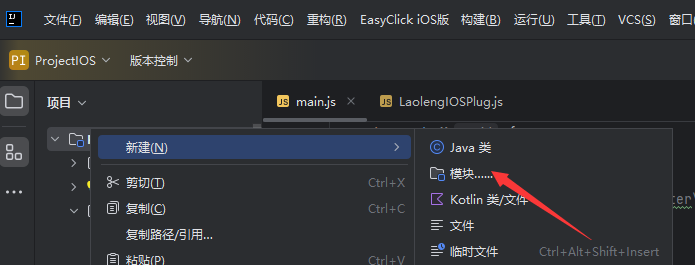
- Right-click → New Module
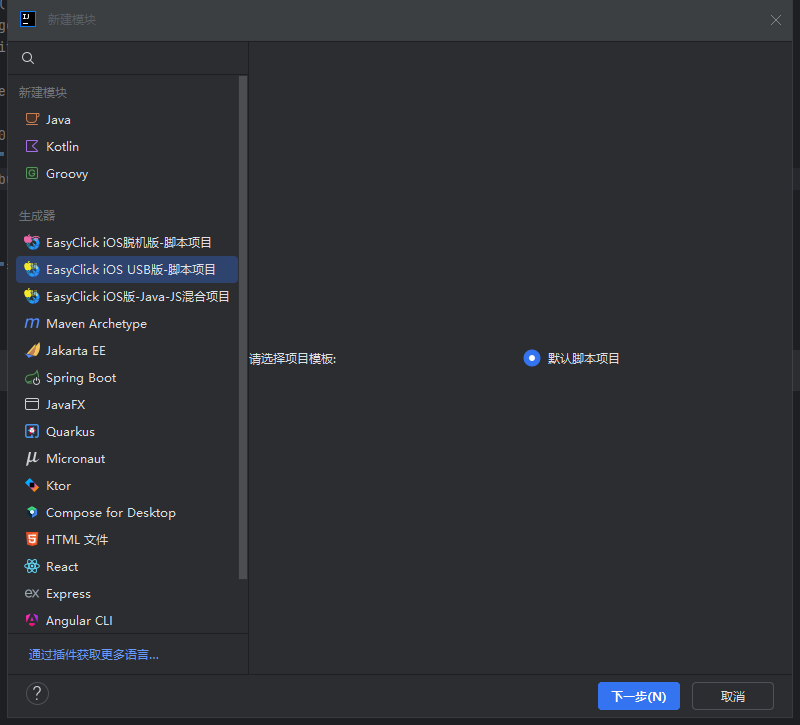
- Choose EasyClick iOS USB — script project, then Next
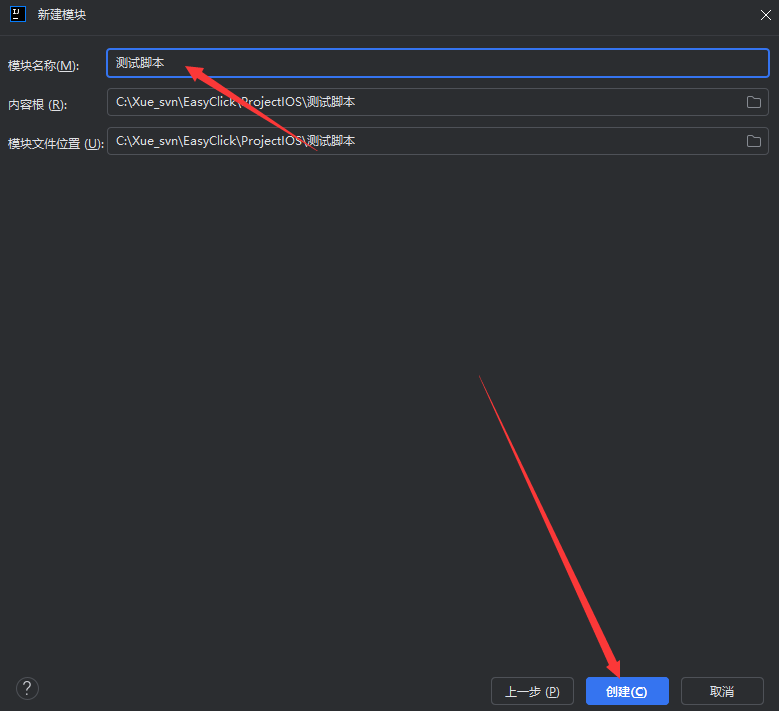
- Enter a module name → Create
2. Connect to the control center
- Prerequisites
- Agent installed
- Control-center automation started
- Phone has a USB device license
- Connect for debugging
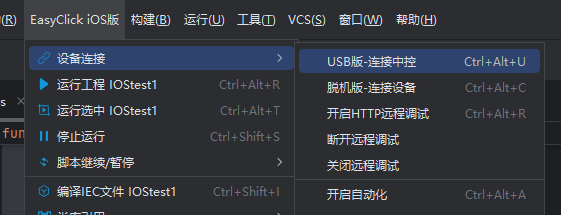
- Default
http://127.0.0.1:8019— change IP:port to debug against another PC
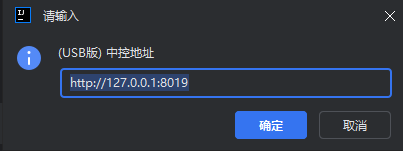
- Confirm — connection logs appear at the bottom of IDEA
- With multiple devices, select the one you want to debug