Android automation scripts
No root. Connect a phone and automate taps and swipes.
Android docs →iEasyClick
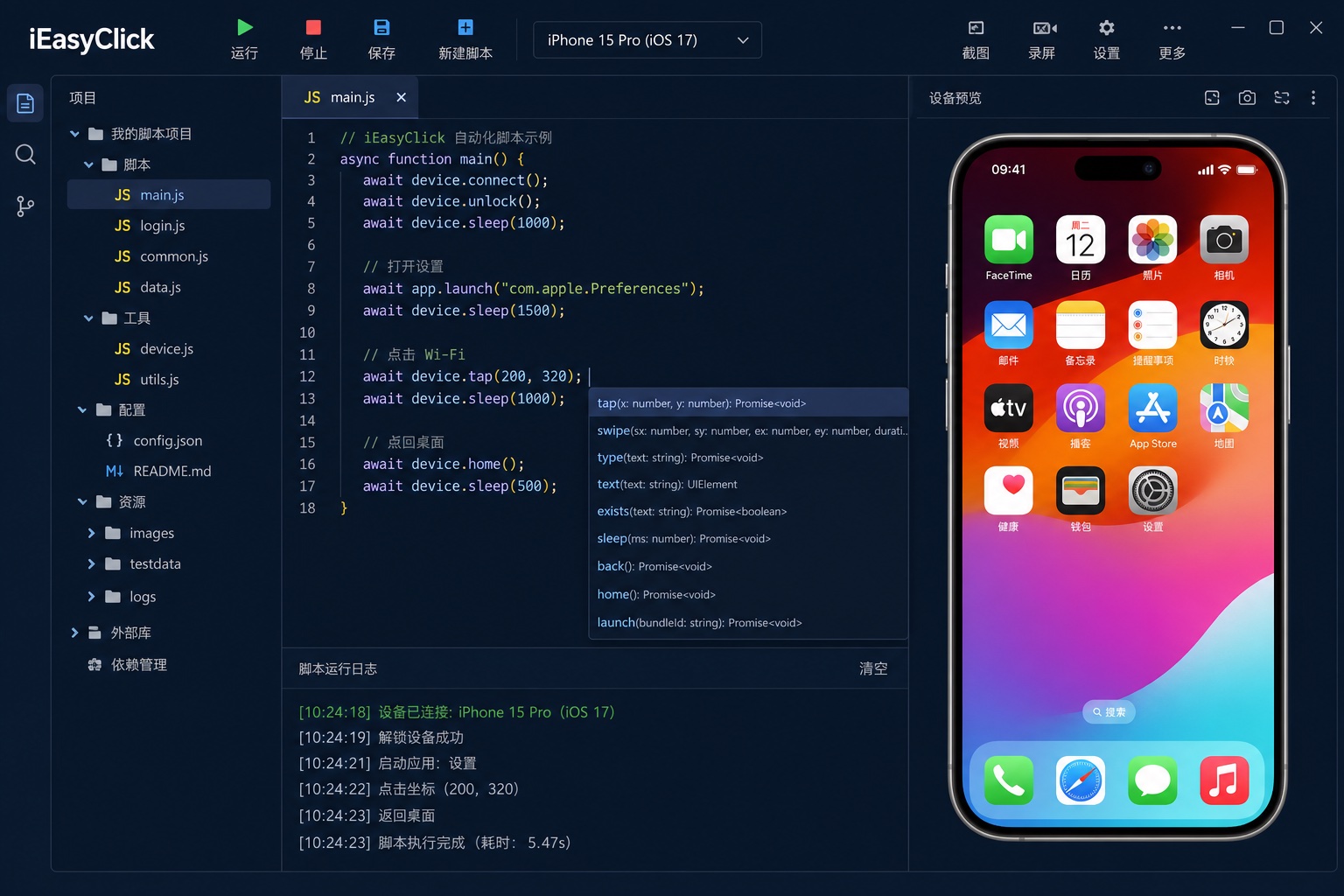
Choose the OS, then write scripts — plain language.
No root. Connect a phone and automate taps and swipes.
Android docs →No jailbreak. Multi-device work is often called Apple / iOS cluster control.
Apple docs →Run automation on HarmonyOS devices; cluster screen when needed.
HarmonyOS docs →Connect → script → run.
USB or wireless; activate per docs.
Start from Android, Apple, or HarmonyOS docs.
Auto taps and flows; use cluster or cloud for many devices.
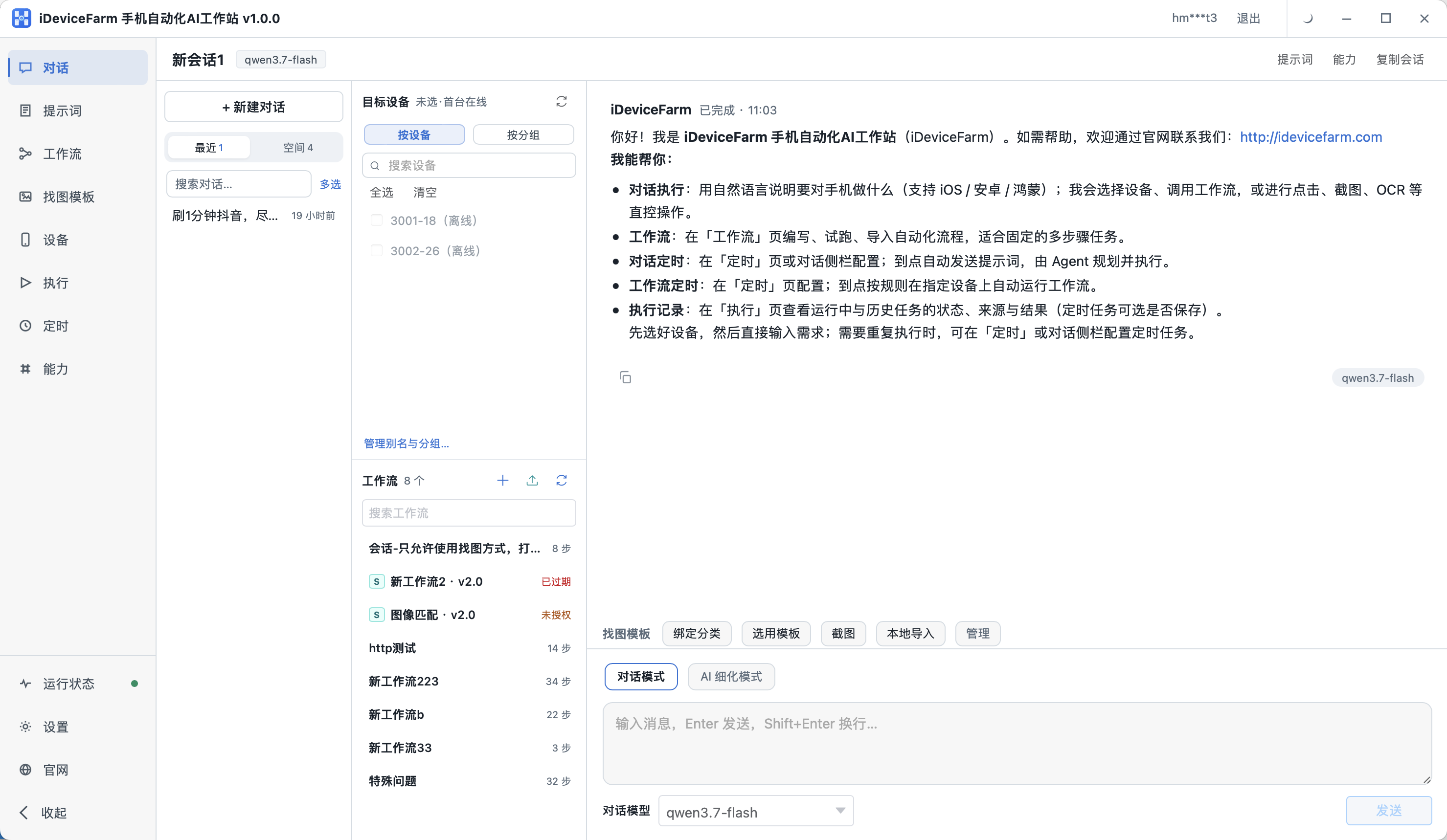
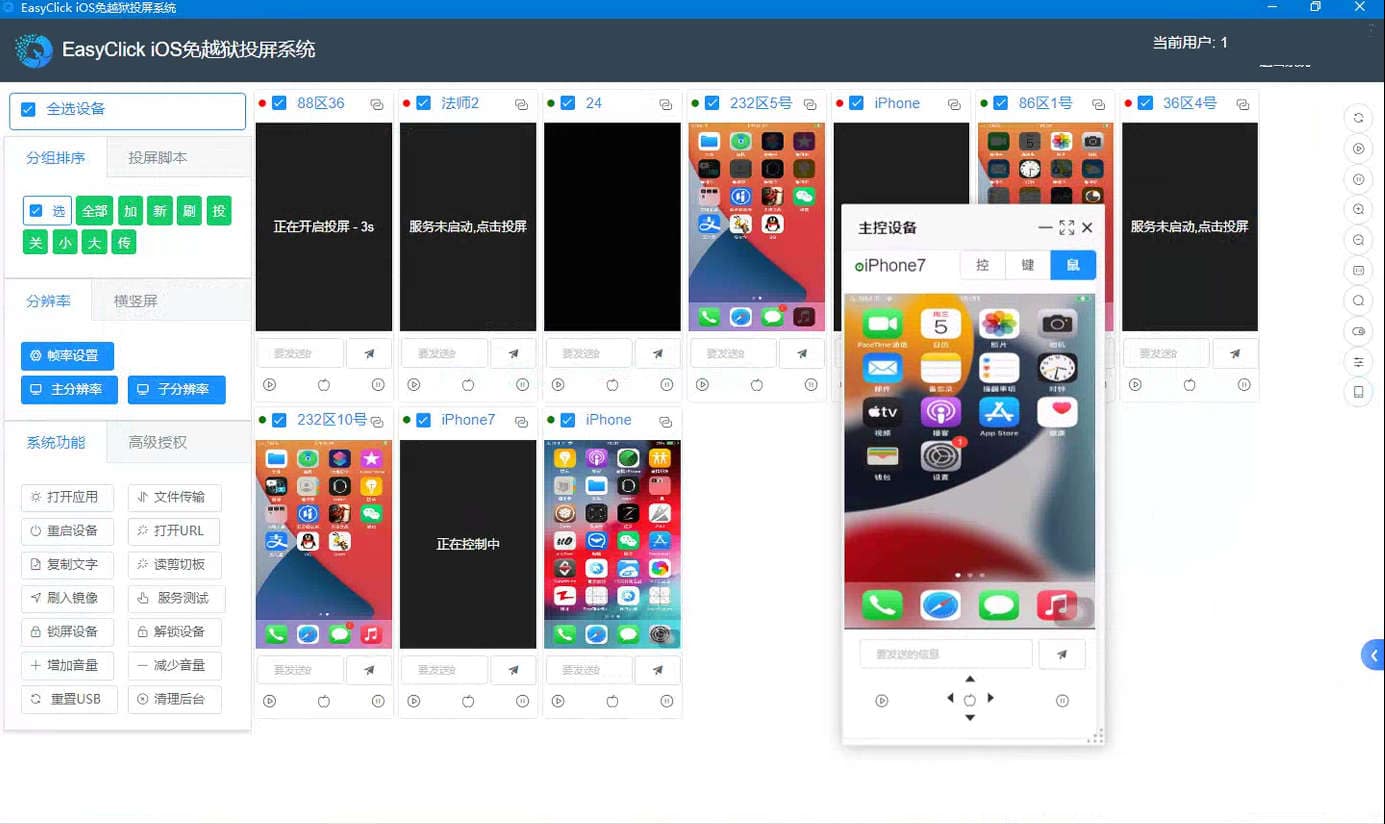


Scripts that tap, swipe, and type for you. That is what iEasyClick focuses on.
No root. Follow the first project guide and run a script.
No. Multi-device setups are often called Apple / iOS cluster control.
Yes — see HarmonyOS docs and cluster screen options.
Remote management of devices and tasks on a server — see the cloud control page.
iEasyClick uses the same EasyClick scripting capabilities. Start from the docs on this site to connect a phone and run scripts.